


Introduction
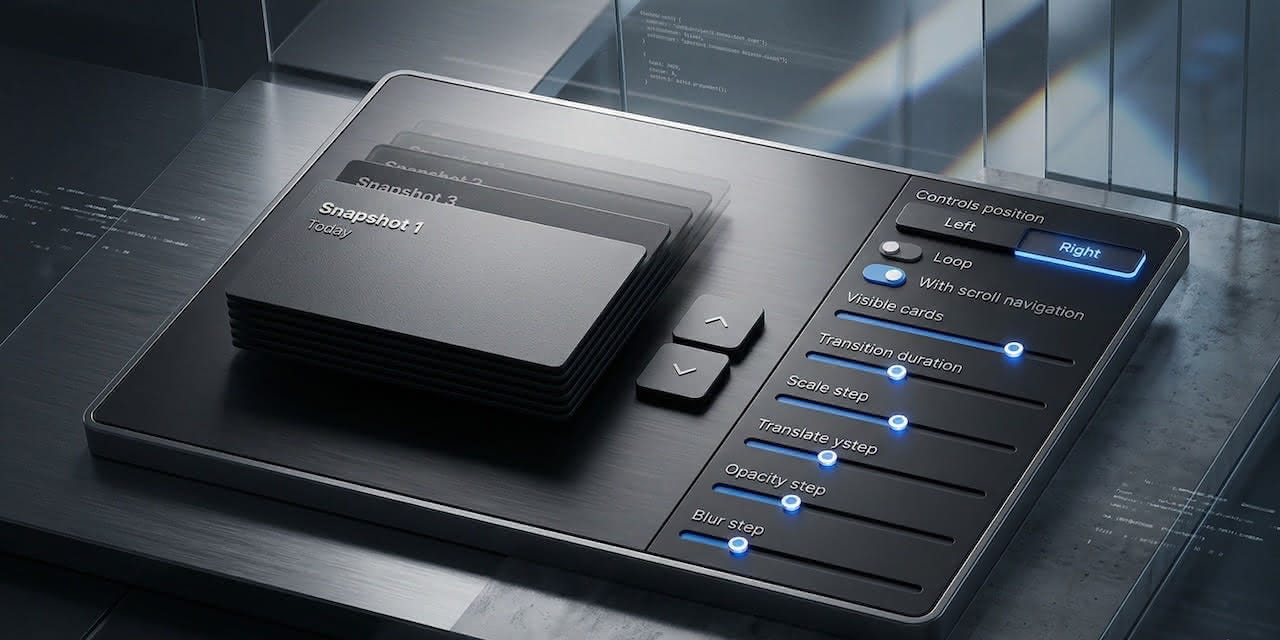
Remember the first time you used macOS Time Machine? That moment when your desktop peeled away into an infinite corridor of snapshots, and navigating through time suddenly felt physical. That spatial metaphor stuck with us. mantine-depth-select brings that same sense of depth to any selection UI in your React application — pricing plans, document versions, onboarding steps, or anything else where browsing through stacked content beats scrolling a flat list. It’s a single component with zero extra dependencies, built entirely on Mantine 8’s Styles API.
What is DepthSelect?
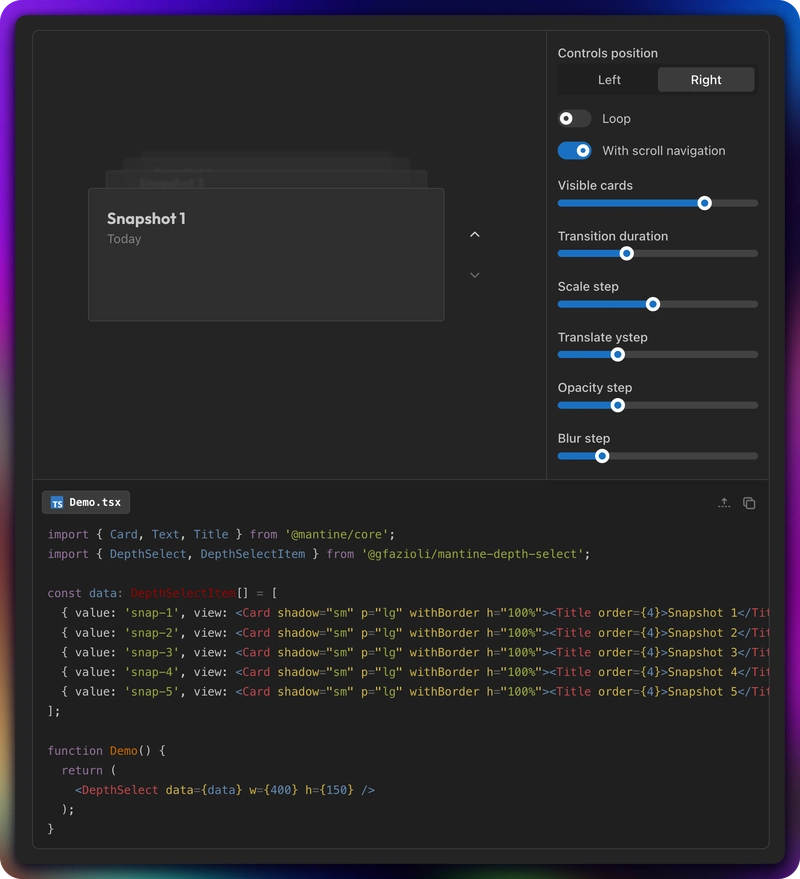
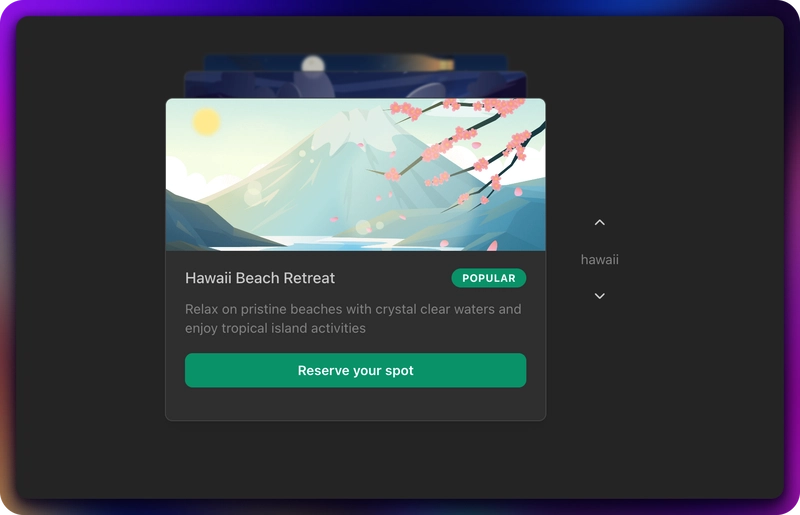
DepthSelect renders an array of items as a 3D stack of cards. The frontmost card is the active selection; cards behind it recede with progressive scale, vertical offset, opacity, and blur — all configurable per-level. When the user navigates (via keyboard, mouse wheel, trackpad swipe, click, or arrow controls), cards animate smoothly in and out of the stack with CSS transitions.
The component follows Mantine’s compound component pattern. Built-in arrow controls appear by default, but you can hide them and wire up your own UI through controlled value/onChange. It supports both string and numeric values, loop mode, and respects prefers-reduced-motion.
✨ Key Features
3D Perspective Stack
Each card in the stack receives progressive CSS transforms based on its depth. Four props control the effect:
<DepthSelect
  data={items}
  scaleStep={0.1}       // scale reduction per level (default)
  translateYStep={30}    // vertical offset in px per level
  opacityStep={0.15}     // opacity reduction per level
  blurStep={1}           // blur in px per level
  w={400}
  h={300}
/>
Cards that exit the stack (when navigating forward) animate toward the viewer with a scale-up and fade-out. Cards entering from behind animate in from the deepest visible position.
Multi-Input Navigation
Every common input method works out of the box:
Keyboard:
ArrowUp/ArrowDownto step through,Home/Endto jumpMouse wheel / Trackpad: Scroll over the component to navigate (page scroll is blocked automatically). Disable with
withScrollNavigation={false}Touch: Vertical swipe gestures for mobile
Click: Click the second card (depth 1) to advance
Controls: Built-in arrow buttons with optional label
Built-in Controls with controlsProps
The default controls sit to the right of the stack. You can reposition them, add a label, set a fixed width, change alignment, or swap the icons — all through a single controlsProps object:
<DepthSelect
  data={items}
  controlsPosition="left"
  controlsProps={{
    w: 100,
    justify: 'end',
    labelFormatter: (item) => `Step ${item.value}`,
    upIcon: <IconChevronUp size={16} />,
    downIcon: <IconChevronDown size={16} />,
  }}
  w={400}
  h={300}
/>
Compound Component Pattern
Need full layout control? Set withControls={false} and use DepthSelect.Controls as a child:
<DepthSelect data={items} withControls={false} w={400} h={300}>
  <DepthSelect.Controls labelFormatter={(item) => String(item.value)} />
</DepthSelect>
Or skip the built-in controls entirely and build your own navigation with value and onChange.
Loop Mode
Enable loop to let navigation wrap from the last item back to the first (and vice versa). The arrow controls never show a disabled state in loop mode:
<DepthSelect data={items} loop w={400} h={200} />🚀 Getting Started
npm install @gfazioli/mantine-depth-selectImport the styles at the root of your application:
import '@gfazioli/mantine-depth-select/styles.css';Minimal example:
import { Card, Text } from '@mantine/core';
import { DepthSelect, DepthSelectItem } from '@gfazioli/mantine-depth-select';

const data: DepthSelectItem[] = [
  { value: 'first', view: <Card p="lg" withBorder h="100%"><Text>First item</Text></Card> },
  { value: 'second', view: <Card p="lg" withBorder h="100%"><Text>Second item</Text></Card> },
  { value: 'third', view: <Card p="lg" withBorder h="100%"><Text>Third item</Text></Card> },
];

function Demo() {
  return <DepthSelect data={data} w={400} h={200} />;
}
The w and h props define the area where cards live. Cards should use h="100%" to fill the available height.
Props & API
DepthSelect
data—DepthSelectItem[]— Array of{ value, view }objects.valuecan bestringornumber,viewis anyReactNodevalue/defaultValue/onChange— Standard controlled/uncontrolled patternw/h— Dimensions of the card area (passed to the inner stack container)visibleCards— Number of cards visible in the stack (default:4)withControls— Show built-in arrow controls (default:true)controlsPosition—"right"(default) or"left"controlsProps— AllDepthSelectControlsPropspassed to the built-in controlsloop— Enable wrap-around navigation (default:false)withScrollNavigation— Enable mouse wheel / trackpad navigation (default:true)transitionDuration— Animation duration in ms (default:400)scaleStep/translateYStep/opacityStep/blurStep— Per-level depth effect parameters
DepthSelect.Controls
labelFormatter—(item: DepthSelectItem) => ReactNode— Custom label between arrowsupIcon/downIcon— Custom icons for the arrow buttonsjustify— Vertical alignment:"start","center"(default),"end"Plus all Mantine
BoxProps(w,h,style, etc.)
🎨 Styles API
Selectors: root, stack, card, controls, controlUp, controlDown, controlLabel
Data attributes:
data-active— Frontmost (selected) carddata-depth="N"— Card depth level (0 = front)data-exited— Card that has animated outdata-disabled— Disabled control buttondata-controls-position—"right"or"left"on root
CSS variables: --ds-transition-duration, --ds-scale-step, --ds-translate-y-step, --ds-opacity-step, --ds-blur-step, --ds-visible-cards
⚡ Performance
Render window: Only
activeIndex - 1throughactiveIndex + visibleCards + 1are in the DOM. A dataset of 100 items renders ~6 nodesMemoized styles: Card CSS is computed once per navigation change via
useMemoTargeted
will-change: Only visible cards get GPU layer promotion; hidden cards usewill-change: autoNon-passive wheel listener: Blocks page scroll without layout thrashing
prefers-reduced-motion: Transitions are disabled automatically for users who prefer reduced motion
Live Demo & Documentation
Explore interactive demos — including a configurator with live props, rich card examples, pricing plan selector, version history browser, onboarding wizard, and more:
gfazioli.github.io/mantine-depth-select
Links
🔗 GitHub: github.com/gfazioli/mantine-depth-select
🧩 Mantine Extensions: mantine-extensions.vercel.app